
Save money with open-source software: Stop Paying for Subscriptions
| Updated: |
(Disclosure: Some of the links below may be affiliate links)
We are often paying for multiple software subscriptions. Open-source software is an alternative to many paid applications, but often people do not know about these.
In this article, I want to go over a few open-source software that would help us save money by replacing paid software. Open-source software is not nearly as difficult to use as people think.
Open-source software
Open-source software is software for which the source code is available. It means you can read the source code and potentially make contributions.
In most cases, open-source software is also free. It means you can install it on your computer without paying anything. However, not all open-source software is free. And not all free software is open-source.
However, in this article, we will focus on free open-source software to save money.
There are a few myths running around with open source, so we can start by debunking them.
- First, open-source software is not necessarily more complicated than paid software. You can have very complicated paid software and very open-source free software. Both closed-source and open-source software are software and are only as good as their engineers made them.
- Then, some people think that open-source software is less safe because code is online. It is often the contrary. Since the code is online, many people are looking and can spot issues. That does not mean it is 100% safe (nothing is). Again, software can be made as safe (or unsafe) as its coders make it.
So, overall, open-source software is not necessarily better, nor necessarily worse, than closed-source software. But it has the advantage of generally being free.
Sometimes, there are also free open-source alternatives to free closed-source alternatives. But in this article, I will focus on open-source software that can help us save money.
These days, most software is using a subscription instead of a one-time price. Recurring costs are important to optimize in your budget. Focusing on recurring subscriptions is a great way to save money each month.
LibreOffice instead of Office 365
Many people rely on Office 365 (previously called Microsoft Office) to create documents and do some spreadsheets. Office 365 is a huge suite of software, but most people only use a small portion of its capabilities. In most cases, people rely on Word and Excel. Some people rely on PowerPoint, but it is mostly for work.
LibreOffice is a free and open-source software suite that provides the same features as Office 365. Its three major components are
- Writer: A word-processing software
- Calc: A software for spreadsheet
- Impress: A software to prepare presentations
It supports the same document formats as Office 365, along with some more open formats. It is not a small software; it is estimated that it has more than 100 million users. All its features are free, and it makes a great replacement for Office 365. If you are an advanced user of Office 365 and use things like scripting, LibreOffice may be too limited. But for the vast majority of users, LibreOffice could replace Office 365.
Office 365 comes as a subscription of about 100 CHF per year. So, by using LibreOffice instead, you can save 100 CHF per year (for life)!
GIMP instead of Photoshop
Many people rely on Photoshop to edit pictures. This could range from basic editing to make them look slightly better to advanced editing to totally transform pictures.
Photoshop is a great tool that gets the job done. But there are some open-source alternatives as well. GIMP is a free and open-source software that provides more or less the same features as Photoshop. The most advanced features from Photoshop are not all available, but this is likely enough for 90% of usages.
Now, there is a catch. GIMP can do almost everything that Photoshop does, but it is not very similar in how to do it. This means there will be some learning curve to relearning how to edit pictures with GIMP. If you want to avoid this learning, you can take a look at Photopea; it is not open-source, but it is free.
Photoshop costs about 10 CHF per month, so you can save 120 CHF per year by using GIMP.
Shotcut instead of Adobe Premiere
After talking about photos, we can talk about videos. The most used tool in this category is probably Adobe Premiere.
Adobe Premiere is a good tool with advanced features. But it is also expensive. That is where some open-source alternatives exist. Shotcut is a great tool if you need simple features and is easy to learn. Kdenlive will give you more advanced features but will be harder to learn.
Adobe Premiere costs about 220 CHF per year in Switzerland. By switching from Adobe Premiere to a free and open-source software for your video editing tasks, you can save about 220 CHF per year.
KeePassXC instead of paid password managers
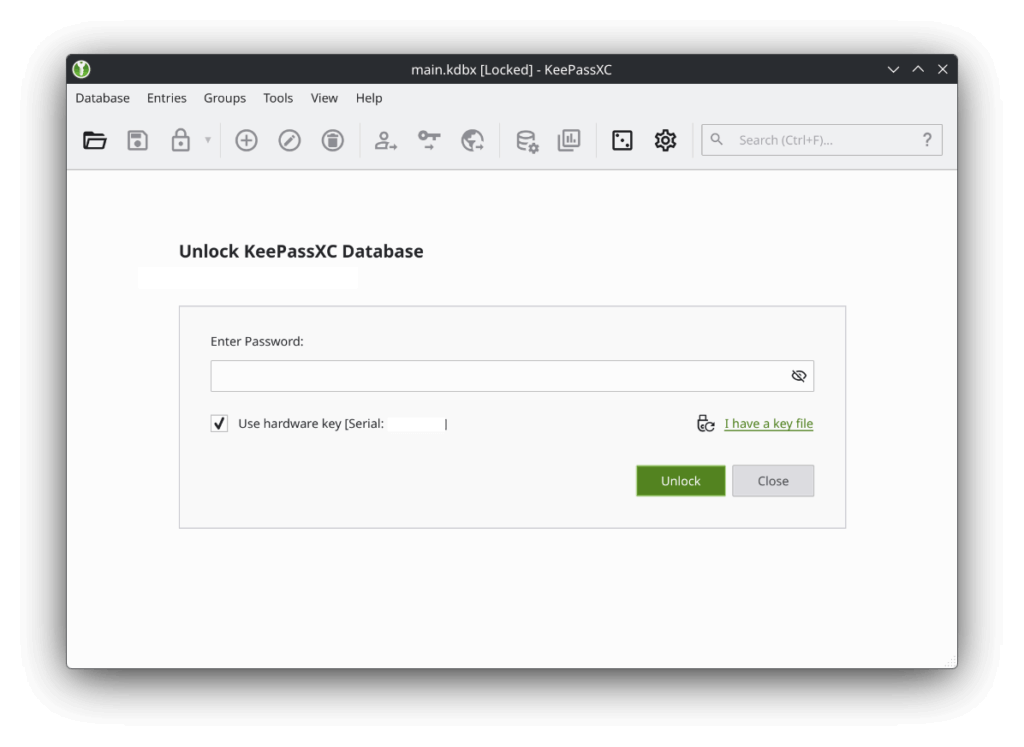
Using a password manager is a great way to increase your online security. If you are using one already, congratulations!
Many people use 1Password or LastPass, and both of these are paid. But most people do not know there are some open-source alternatives as well.
I personally use KeePassXC and am happy about it. It is free and open-source and has great security features.
The only drawback is that your password database is not shared everywhere (which is also a security advantage). But if you have a strong master password and a second factor of authentication, you can save your database on a service like Google Drive, and nobody would be able to read it.
If you prefer something in the cloud, you can use Bitwarden, which is free for personal use and can be used in the cloud.
LastPass costs about 36 CHF per year, and 1Password costs about 60 CHF per year. By using a free and open-source password manager like KeePassXC, you can save between 30 CHF and 60 CHF per year.
AFFiNE instead of Evernote for note-taking
Many people take notes and need a good note-taking application to do so. Evernote is one of the most used paid note-taking applications. In the past, it had a generous free plan, but it is now limited to only 50 notes, which is too little for many people.
AFFiNE is an open-source alternative that you can use directly from your computer. Since it runs on your computer, it has unlimited usage, and it is free to use. Its featured set is comparable to that of Evernote. To be fully precise, only the code running on your computer is open-source; they are not disclosing the source code of their server backend (which is not mandatory to use).
Since it runs on your computer, it means your notes are not shared. If you want to save them and back them up, you could put them on Dropbox or Google Drive (or Nextcloud for an open-source alternative).
An issue with note-taking software is that it is very personal. Many users like a platform and profoundly dislike another. There are many types of note-taking software, so AFFiNE may not work for you. I should also mention Obsidian, which is closed-source but has a good free plan; it may be a better alternative than AFFiNE for some users.
Evernote costs about 85 CHF per year in Switzerland. By using an open-source note-taking software like AFFiNE, you could save 85 CHF per year compared to Evernote.
Linux instead of Windows
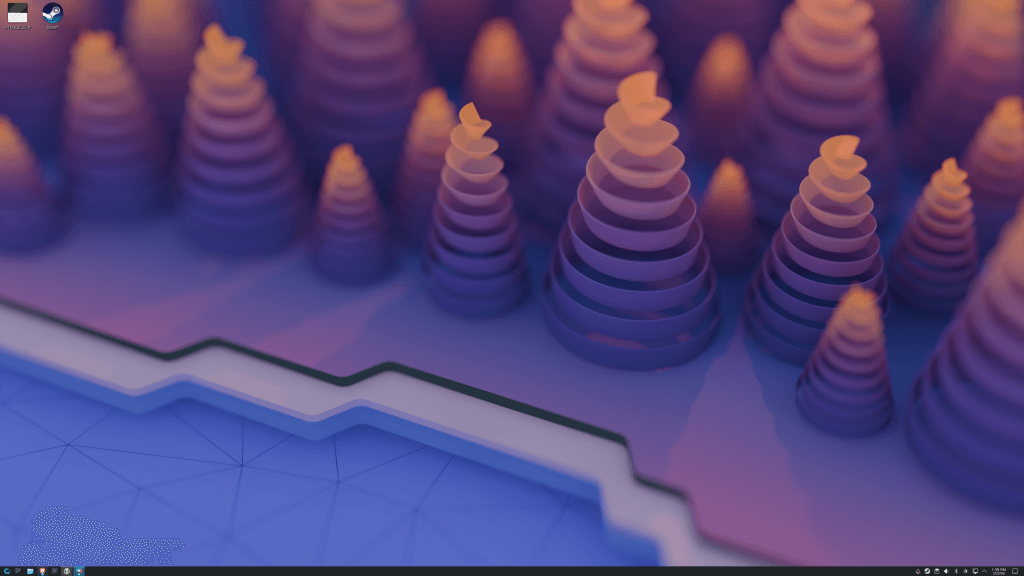
Linux has existed for a long time, but most people are still on Windows. But Linux has some major advantages:
- It is free. There are some paid distributions, but most distributions are free. This can make you save money by not having to pay for Windows.
- It supports a wider range of hardware. Many people are forced to upgrade their computers because of Windows requirements. Linux is still capable of running on laptops and desktops that are more than 10 years old.
- Linux gets better over time. These last few years, Windows has just become worse (at least in my opinion) and slower. On the contrary, experience on Linux has never been smoother.
The main issue with Linux is there are many distributions. Some are easy to use, and some are not. If you are a first-time user, there are some simple distributions that would work well:
- Linux Mint
- Ubuntu Linux
A lot of software is available on Linux, but not all. So, before switching, I recommend you check the list of software that you use on your computer and make sure that you can use it (or an alternative) on Linux. These days, even Steam works well on Linux.
In Switzerland, Windows costs about 140 CHF. So, by using Linux, you can save 140 CHF! But if you have an old laptop that Microsoft does not want to support, you can also save a lot of money by not buying a new laptop and installing Linux on it instead.
Conclusion
Open-source software can be a great alternative to paid software. This could allow you to save money without loss of features. In most cases, the only “price” to pay is to learn to use a new app. Sometimes, we also lose the convenience of having something made entirely in the cloud. But this can also help us reclaim ownership of our data.
Overall, there is a lot of money to be saved by using open-source software. And what is more interesting is that you can save money every year since most software is now using a subscription model.
If you are into it, the next level is to go into self-hosting. This means having a server at home. In this case, you can replace even more services with your own service. This can help you save more money and reclaim ownership of your data. But this requires more expertise.
What about you? Do you have any other open-source recommendations?
More reading

Frugal Living in Switzerland Interview 4 – Mustachian Post
FIRE wisdom. Read our interview with Mr. MP from Mustachian Post and learn his secrets for frugal living and early retirement in Switzerland.
8 Frugal Tips to Ski For Less in Switzerland
Skiing is expensive. Discover our frugal tips to ski for less in Switzerland, find cheaper gear, and enjoy the slopes without breaking the bank.
Frugal Living in Switzerland Interview 1 – Janet
Real-life frugality. Read our interview with Janet, a frugal expat in Switzerland, and learn her tips for living well on a budget.
Learn easy ways to optimize your finances and save thousands in Switzerland with our exclusive e-book. Learn about the most cost-effective financial services tailored for savvy residents and expats!
Get Your FREE Swiss Money-Saving Guide
is the focus on this post more on open-source software or on free software? If purely open-source focused, then these are great recommendations, but I guess most readers don’t care about the open-source part but more about the free part. If you included free software that isn’t open-source, the recommendations could be even more useful. For example, DaVinci Resolve is an industry giant, excellent alternative to Premiere, and it has a nearly full featured free version.
I also wanted to use the opportunity to thank you for your blog. Even though I don’t frequent it very often anymore (because I basically followed your advice, investing in a few simple EFT’s and forget about it), you are still my go to source to find out what is new, what has changed with services I use and if there are better ones now.
For a swiss-centric view of personal finance, you are really one of a kind, and I hope you keep doing what you are doing for a long time. Thank you.
Hi Mischa
The focus was more on open-source. But I agree that most of my readers don’t particularly care about open-source, and they care more about having a free solution :)
I will think about another version of this article to be wider or to update it with more suggestions.
Thanks for your kind words. I am happy that my content was useful for you!
Great post.
As this is a blog mostly about personal finance, I cannot help to mention KMyMoney, which is free and which I have been using to track my expenses and wealth for more than 10 years now.
(written on KDE neon)
Thanks for sharing, Fabien! I did not know KMyMmoney.
Are you happy with KDE Neon? I have never tested it.